Why Tidgrid
What you get when your agent writes the UI. Every figure is measured on our own projects.
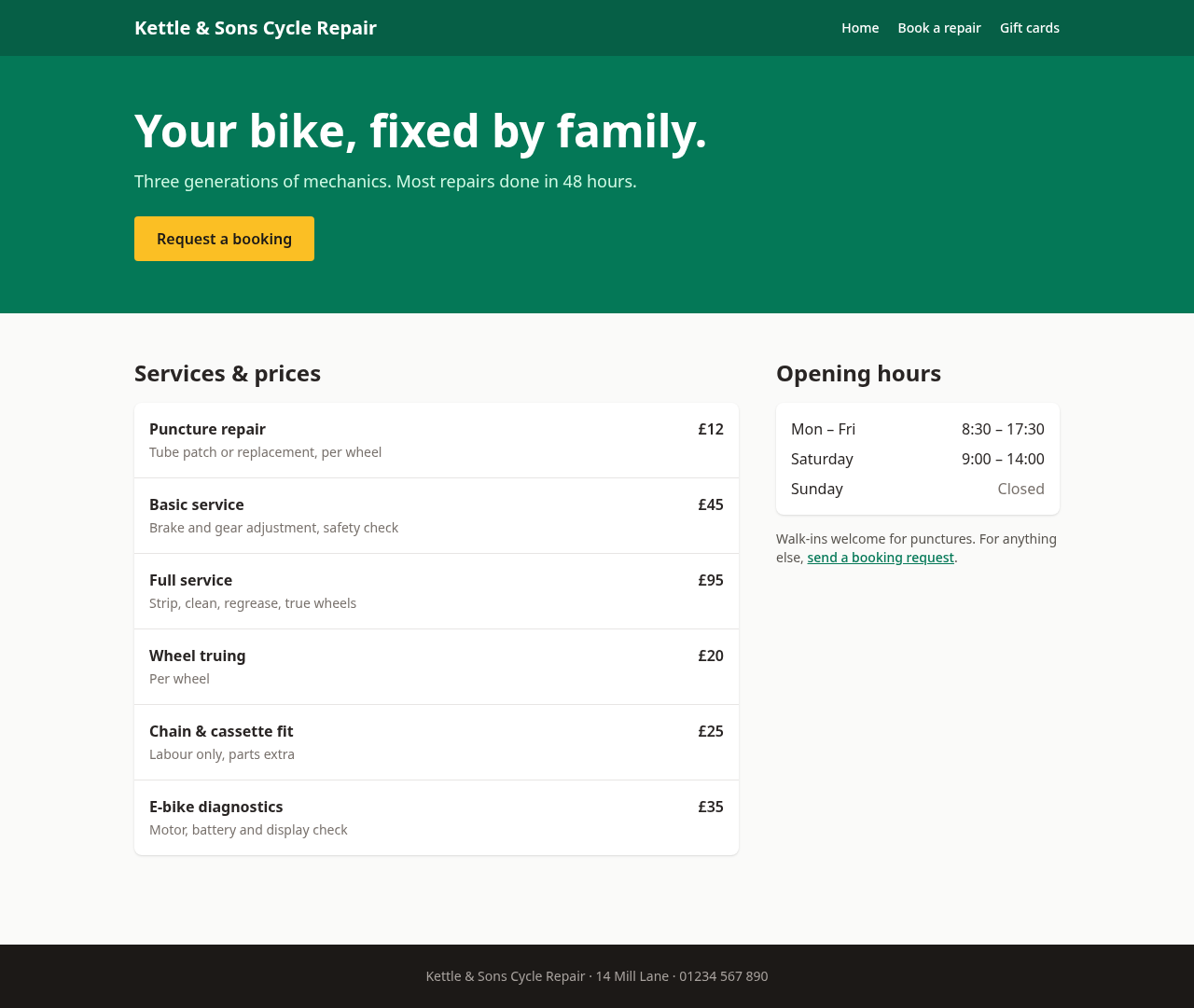
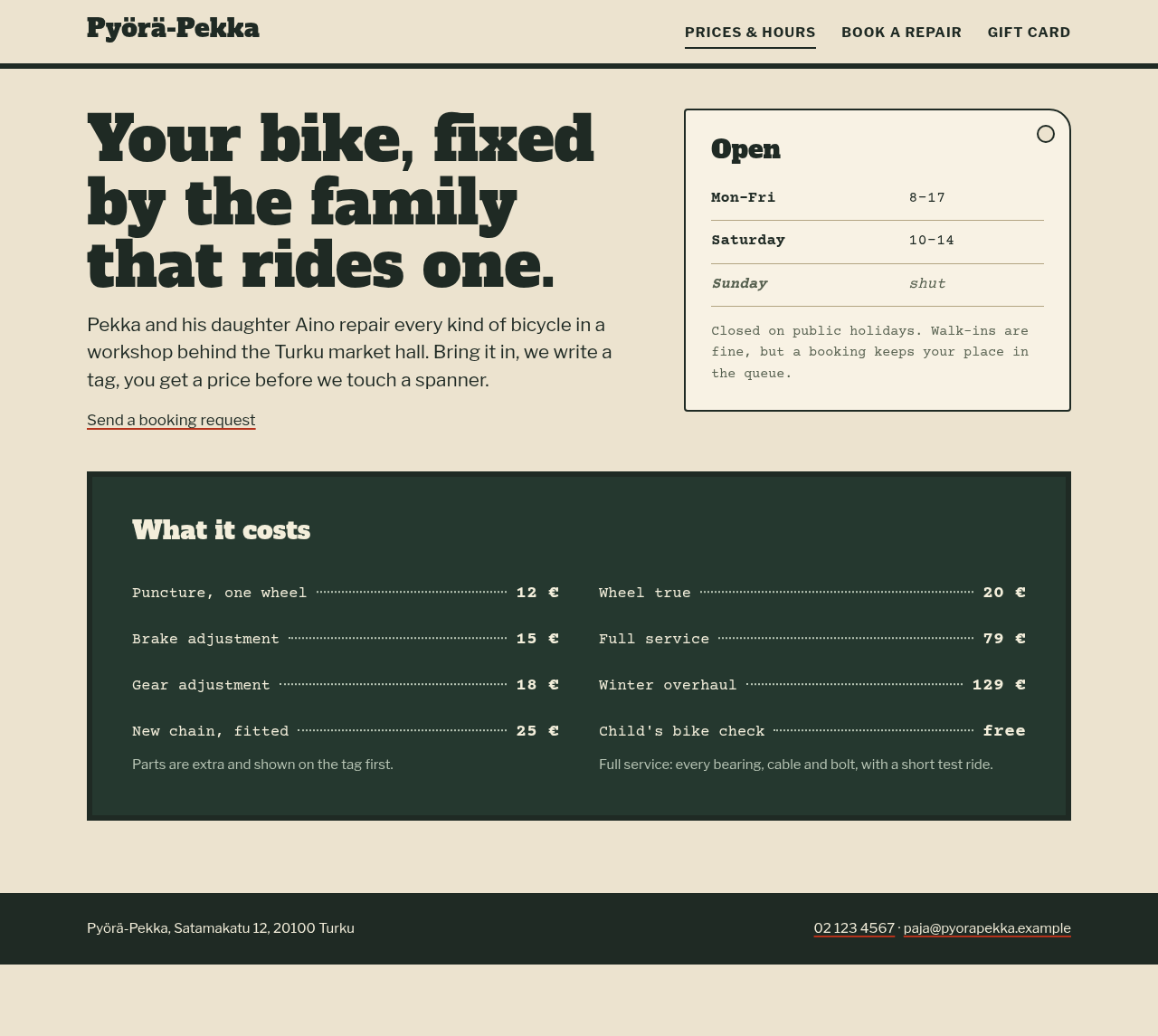
The same request, "a two-page website for a small family-run bicycle repair shop: a home page with services, prices and opening hours, and a booking-request form. Plain HTML.", given once to each of two fresh agents on the same model. One was told to style it with Tailwind CSS; the other had the skill and Tidgrid. One run each; click a picture for its full size.
10 pages
A fresh agent wrote them from tidgrid list alone. check passed and no role was added.
24 groups, 7 mixin sets
This site's vocabulary had 24 groups of repeated lines in 57 roles; the largest was one title font and ink colour written by hand in 8 roles. The cleanup turned them into 7 mixin sets.
no difference
What tidgrid plan printed against the live stylesheet after that cleanup.
0.1 s
tidgrid check on this site, before every commit.
22 mistakes
Agents made them in real projects, and the pitfalls page lists each one.
Next to Tailwind
In Tailwind a mistyped class, or one built from pieces, gets no CSS and no message from the build. Tidgrid exits 1.
src/page.html:1: unknown class tg-surface(rasied); tg-surface takes: raised sunkensrc/page.html:2: class name built from pieces: tg-text(${tone}); write every whole name out in a lookup tableIn Tailwind a coloured stripe on a box's left edge is two utility classes, border-l-4 and a border colour. Tidgrid stops all three ways to write it.
src/index.html:1: unknown class border-l-4: not in the vocabulary; run `tidgrid list`
src/index.html:1: appearance in style attribute: border-left; use a role (`tidgrid list`)index.tg:196: role.surface.stripe.use: required: when the role applies
index.tg:196: role.surface.stripe.border-left: raw colour #2456c4$ go install github.com/sneikki/tidgrid/cmd/tidgrid@latest